Example exercises
Exercises built in the GS Engine format (schema v2). Each one can be downloaded and opened in the editor.
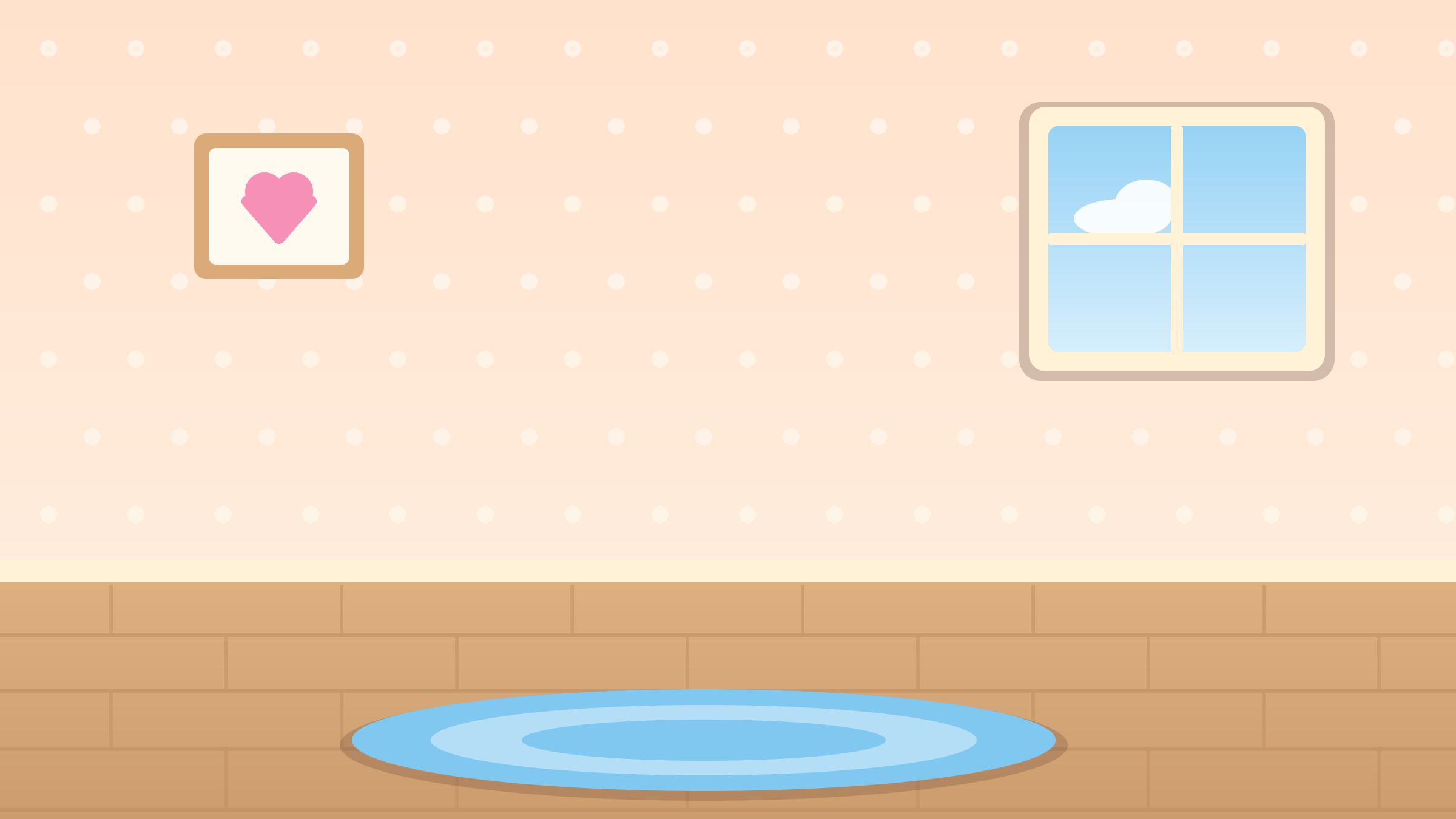
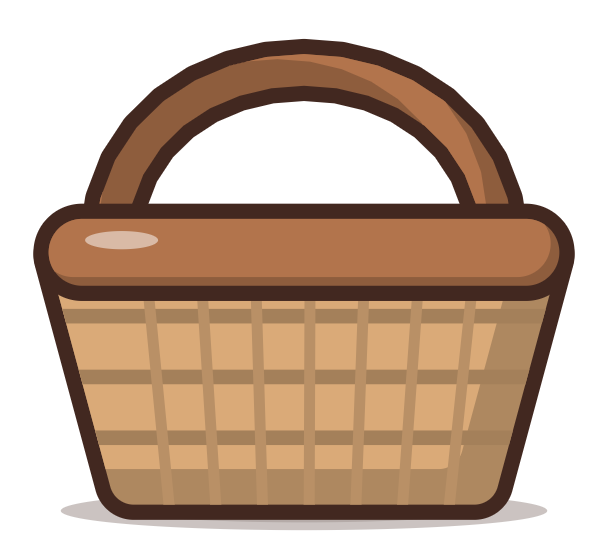
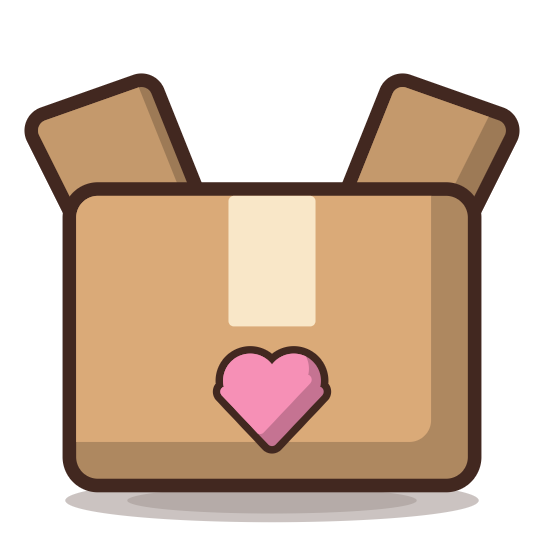
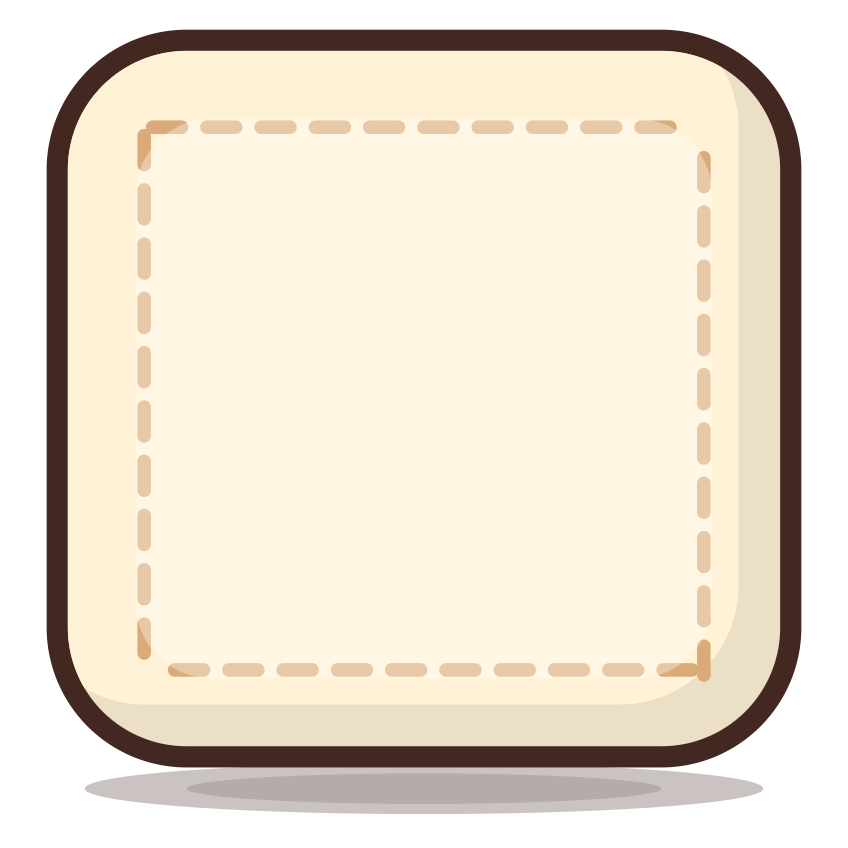
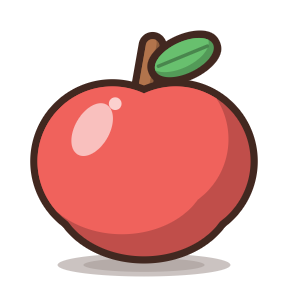
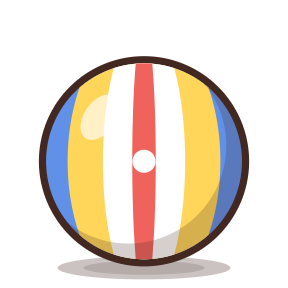
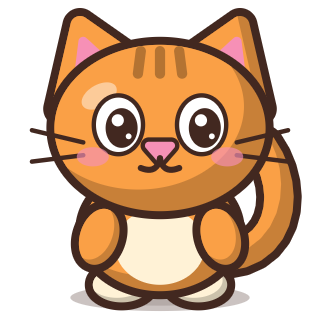
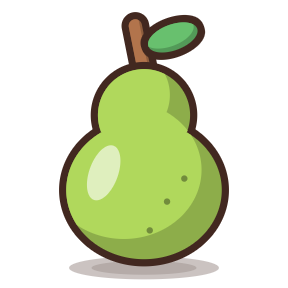
Fruit in the basket, toys in the box, plush toys on the cushions. The baskets hold many elements (capacity: many), the cushions one each (capacity: 1); a wrong move goes back to its place, a right one stays locked.
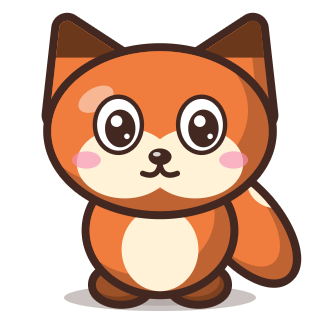
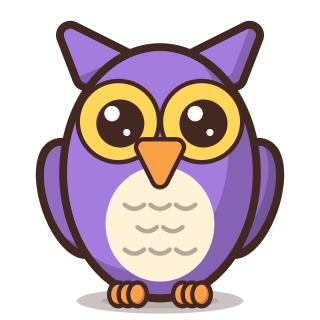
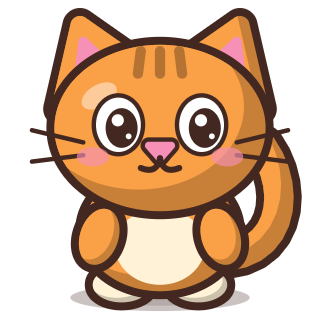
Each animal goes into the frame with its name. Dropping it on a taken frame makes the animals swap places (onOccupied: swap), so the puzzle is easy to fix.

The sun and the cloud go in the sky; the house, the tree, the flower and the duck on the meadow. The meadow lies over the sky on a higher layer (when an element is dropped on both, the higher layer wins), and a dragged element jumps to the top (bring-to-top).
Red things go in one basket, yellow ones in the other. A dropped element stays in the basket, and its appearance tells whether it was a good choice (the states good and bad); a wrong choice can be fixed.
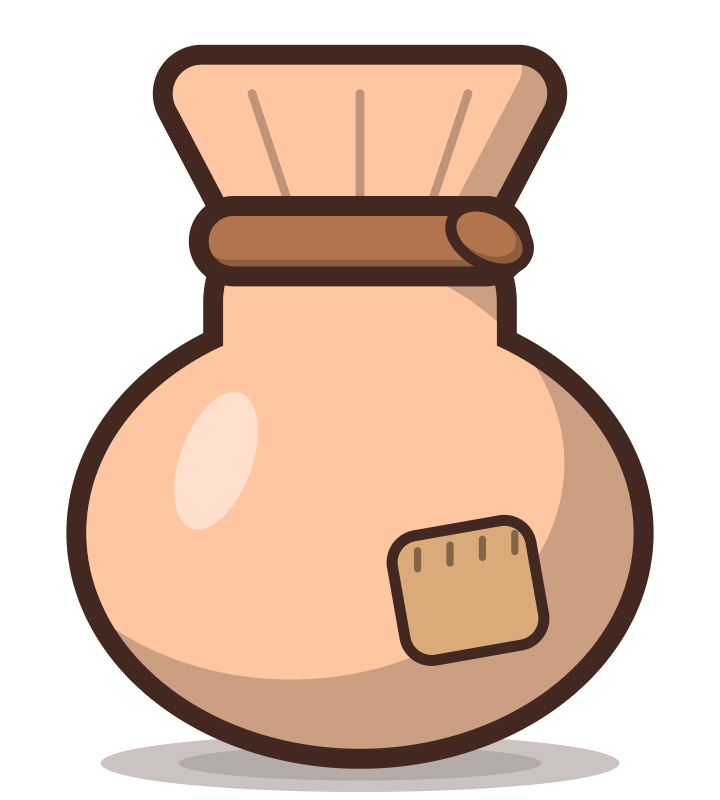
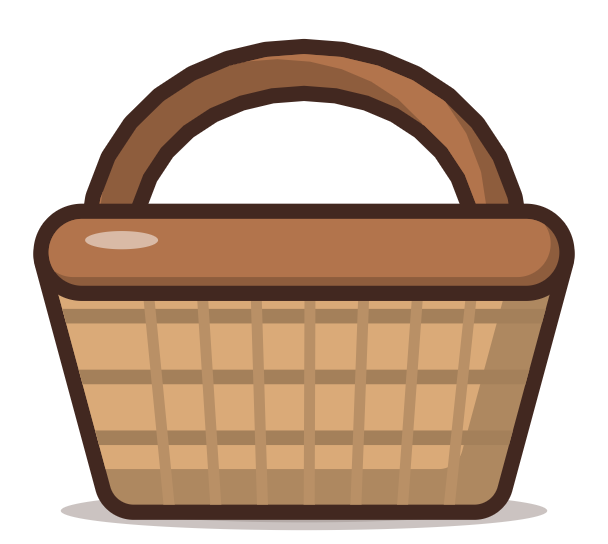
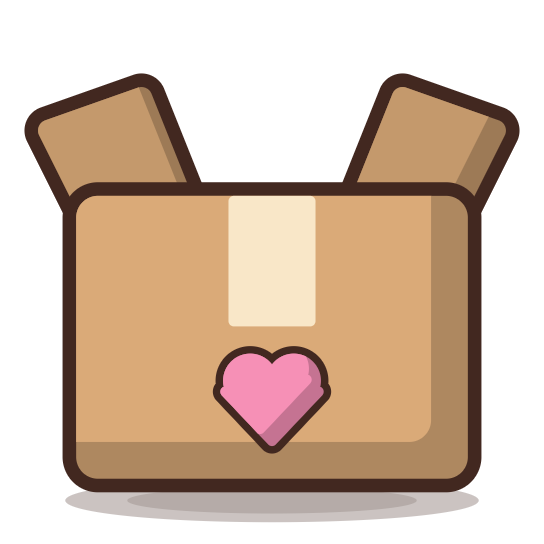

The sack is a scrolling Container (with overflow: scroll). You have to scroll it, take everything out and sort it: fruit in the basket, toys in the box; a wrong move puts the thing back in the sack.
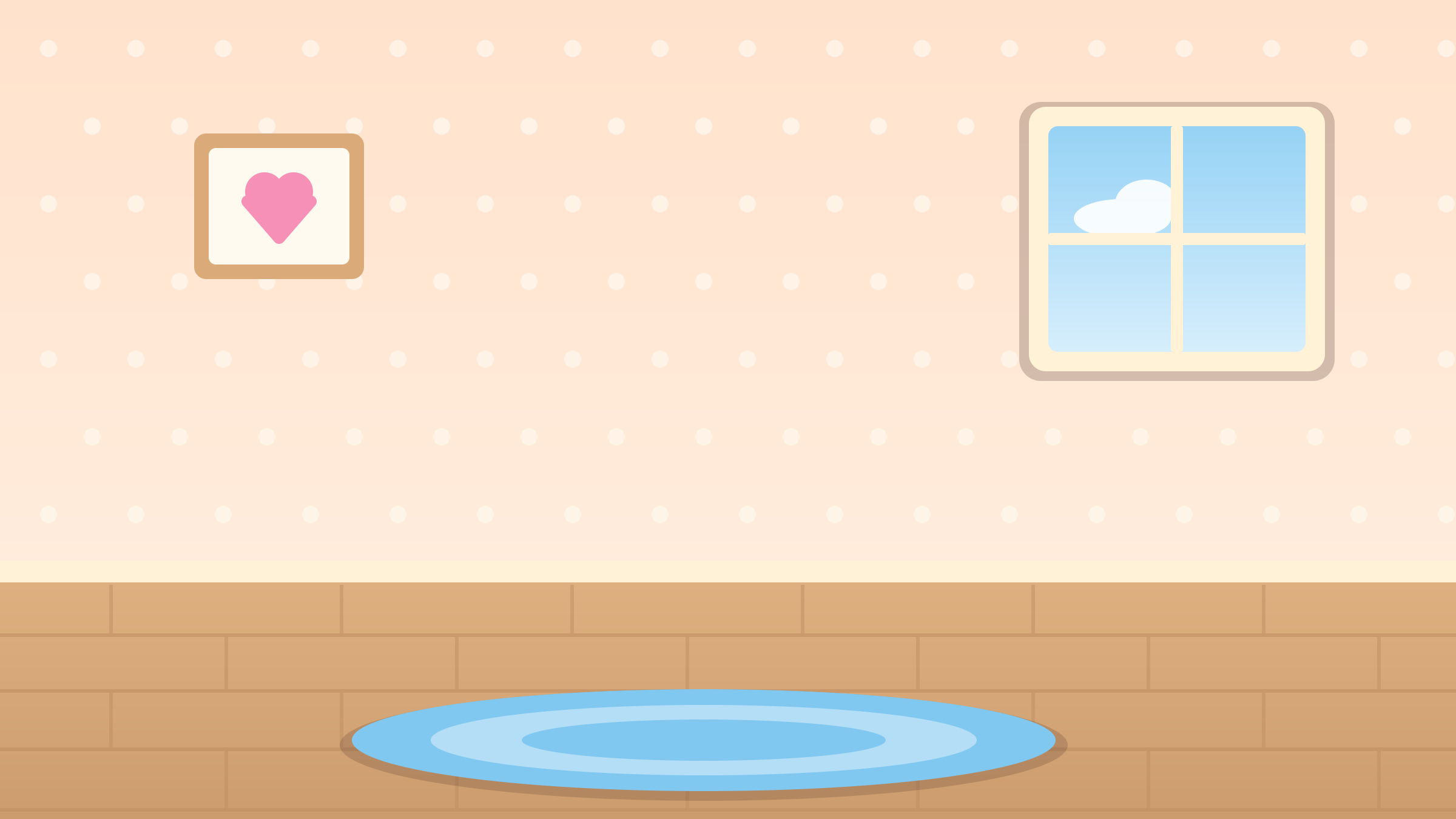

An open exercise (the open rule): the toys can go on the shelf or on the rug, with no right or wrong answers. It ends when all of them are in place; the ball bounces (animation).

Fruit in the basket, the toys stay where they are. The kitten blinks (an animation from a sprite sheet), and once the exercise is solved it is happy: the set-state action switches its sprite sheet to a joyful one.
The letters are draggable elements with text; you have to build from them the word that matches the picture (CAT, or KOT in Polish). A letter changes its color after a right and a wrong move.
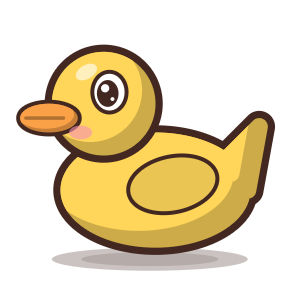
There are fruit and toys on the meadow. The task: click all the fruit and skip the toys. Once the exercise is solved, the instruction text changes to praise (set-state).
Click a wrong, red line to remove it.
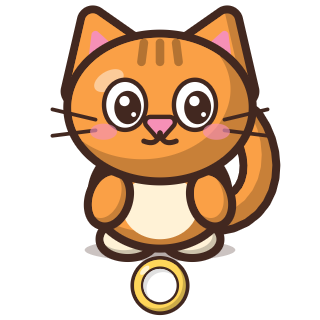
Each animal has to be connected with a line to the sign with its name (the connect rule, points with the connectable role). The connection points are drawn on the images as rings, and the line anchor point (anchor) of each point is aimed at the middle of its ring: a line starts and ends at a ring, and the dots at its ends fill the rings. A wrong line stays red (wrongLines: keep) and blocks both points until the player clicks it; a right pair stays on the scene with its green line and is locked (lock), so it cannot be changed any more.